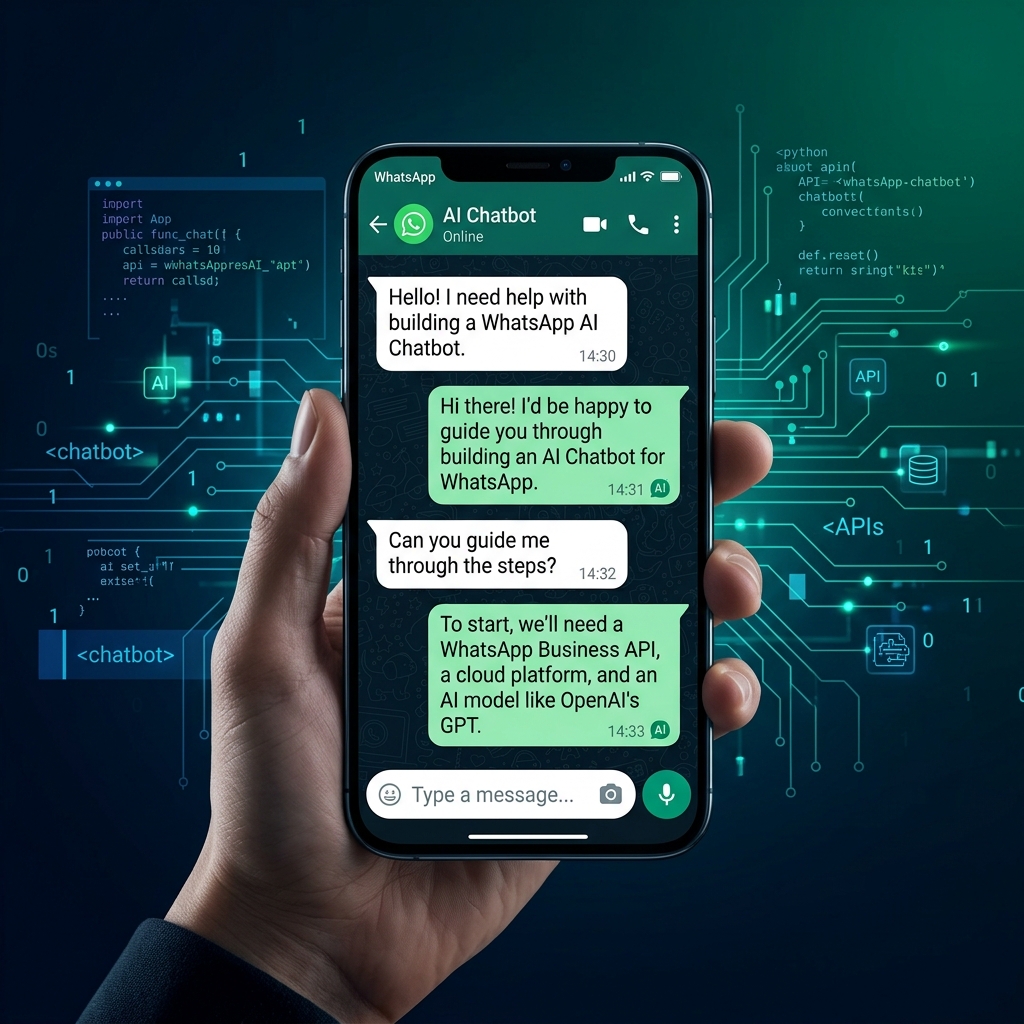
Short version: Build a WhatsApp AI chatbot in six steps: get WhatsApp Business API access, verify your Meta account, design the conversation, build the bot, connect your systems, then test and launch. A template bot suits simple FAQs; a custom build wins once you need automation or a second language.
Most businesses do not need to be told that customers live on WhatsApp. The harder question is how to put a useful assistant inside that chat without it feeling like a dead-end menu. This guide walks through the actual build, what the WhatsApp Business Platform requires, what it costs in 2026, and the honest call on whether you need a custom build at all.
We build bilingual (Gulf Arabic and English) WhatsApp AI assistants for a living, so the steps below come from shipped projects, not a feature page. Where a number is ours, we say so. Where it is Meta's, we point to Meta's own documentation.
What is a WhatsApp AI chatbot?
A WhatsApp AI chatbot is an automated assistant that talks to your customers inside WhatsApp, using a language model to understand free-text questions instead of forcing them through a fixed menu. It runs on the official WhatsApp Business Platform (the API), so it can answer questions, book appointments, check an order, and hand off to a human when needed.
The distinction that matters: a rule-based bot follows scripted buttons and breaks the moment someone phrases a question differently. An AI assistant reads intent. Ask it "do you have anything free Thursday evening" and it understands that as a booking request, not an unmatched keyword.
Why build on WhatsApp instead of another channel?
WhatsApp has more than 2 billion users worldwide, per Meta's own reporting, and in the Gulf and South Asia it is often the default way customers expect to reach a business. People open WhatsApp messages they would ignore in email. That reach plus an open chat thread is why an assistant there tends to get used.
One practical advantage: the conversation is persistent. The customer sees the whole thread, scrolls back, and never re-authenticates. For a booking or support flow, that continuity does most of the experience work for you.
What do you need to get started?
Four things stand between an idea and a live WhatsApp assistant. None are exotic, but skipping one stalls the whole build.
- WhatsApp Business API (Platform) access. The free WhatsApp Business app is for manual replies by a small team. Automation at any scale needs the WhatsApp Business Platform, accessed either directly through Meta or through a Business Solution Provider (BSP). See Meta's WhatsApp Business Platform docs.
- A verified Meta Business account. Meta requires Business Verification before your number can send at volume. Budget a few days for this; it is the most common cause of a delayed launch.
- A registered business phone number. It must be a number not already tied to a personal WhatsApp account. Once registered to the API, it can no longer be used in the consumer app.
- Somewhere for the logic to live. A template platform hosts this for you. A custom build runs your own service that handles the AI, the conversation state, and the connections to your booking system or CRM.
How do you build a WhatsApp AI chatbot? (6 steps)
Here is the build as we run it, whether the result is a template configuration or a fully custom assistant.
- Get WhatsApp Business API access and verify. Register your number on the WhatsApp Business Platform (direct or via a BSP) and complete Meta Business Verification. Nothing else can start until the number is approved to send.
- Map the whole conversation. Write down the real questions customers ask and the actions they want: book, reschedule, check status, reach a person. Decide where the bot acts on its own and where it hands to a human. This map is the product; the technology is downstream of it.
- Build the assistant. On a template platform this is configuration. On a custom build, this is where the language model, the system prompt, the guardrails, and the conversation memory get written and tested against your real question set.
- Write the entry points and templates. Create the welcome message and any business-initiated message templates. Since July 2025, Meta requires templates to be categorised (Marketing, Utility, Authentication, Service) and approved before use, per Meta's pricing documentation. Get the categories right early; it affects both approval and cost.
- Connect it to your systems. A bot that cannot read your calendar or write to your CRM is a brochure. This is the step that separates a real assistant from a demo. In our builds we connect to tools like HubSpot, OpenTable, and Cloudbeds so the bot books, updates records, and reflects live availability.
- Test on real questions, then launch. Run the bot against the messy, real phrasings your customers use, including the ones it should refuse or escalate. Watch the first weeks of live chats and tune from there. The launch is the start of the work, not the end.
Across our projects, a focused assistant like this goes live in about two weeks and handles roughly 80% of incoming queries on its own, with the rest routed to a person. Those figures are from our own delivery, not an industry average; your mileage depends on how varied your questions are.
How much does a WhatsApp AI chatbot cost?
Cost has two parts: Meta's messaging fees and the build itself.
Meta's messaging fees. Since 1 July 2025, Meta charges per message for business-initiated template messages, with the rate set by message category and the recipient's country, per Meta's pricing documentation. Marketing messages cost the most; utility and authentication messages cost less. Service messages, where a customer messages you first, are free to reply to inside a 24-hour window. For most support and booking assistants, that free service window covers the bulk of traffic.
The build. A self-serve template subscription is a low monthly fee. A custom build is a one-time project cost that varies with the integrations and languages involved. The trade is the same one every business faces with software: rent something generic, or own something that fits.
Template bot vs custom build: which do you need?
This is the honest fork most guides skip, because most guides are selling one side of it. Here is how we tell clients to decide.
| Factor | Template / no-code bot | Custom-built assistant |
|---|---|---|
| Best for | FAQs, simple menus, one language | Real automation, booking, support at scale |
| Time to live | Hours to days | About two weeks (our typical build) |
| Integrations | Limited to the platform's connectors | Any system with an API (CRM, booking, ERP) |
| Languages | Usually one, English-first | Bilingual or more, including Gulf Arabic |
| Conversation quality | Scripted, button-led | Understands free-text intent |
| Ongoing cost | Monthly subscription | One-time build plus support |
| You own | A configuration | The assistant and its logic |
The plain rule: if your need is "answer the same ten questions," a template bot is the right, cheap answer and you should not pay for a custom build. If your need is "book the appointment, update the record, do it in two languages, and handle the unusual question without breaking," a template will frustrate you within a month. We have rebuilt several bots for businesses that started on a template and outgrew it; starting custom would have been cheaper than the rebuild.
What does a real WhatsApp assistant look like in practice?
For Khedmah, a service business in the Gulf, we built a WhatsApp assistant that handles customer queries in both Arabic and English and routes the ones that need a human to the right team. The value of that build was simple: customers got an answer in their own language at the hour they actually message, without a person on the other end every time.
That is the bar we hold a build to: does it remove work, in the customer's language, on the customer's schedule. A bot that only deflects to "please call our office" fails that test.
Build Your WhatsApp AI Chatbot
AI Chatbot Development
Custom, production-grade AI assistants for WhatsApp and web, in Arabic and English. Built on the official APIs, wired into your booking and CRM systems.
Arabic Chatbot for GCC Business
Custom chatbots built for the GCC market — Arabic NLP, WhatsApp Business API integration, lead qualification and support automation.
Frequently Asked Questions
Ready to build your WhatsApp AI chatbot?
If you know what your customers ask and which systems you run, we can scope a bilingual WhatsApp AI chatbot that handles the repetitive work and books real business. Most clients are live in about two weeks. Contact the FNA Technology team to start with a discovery call, or explore our AI chatbot development service to see what a production build looks like.